PRODUCT OVERVIEW
Give visitors a clear, simple way to check in.
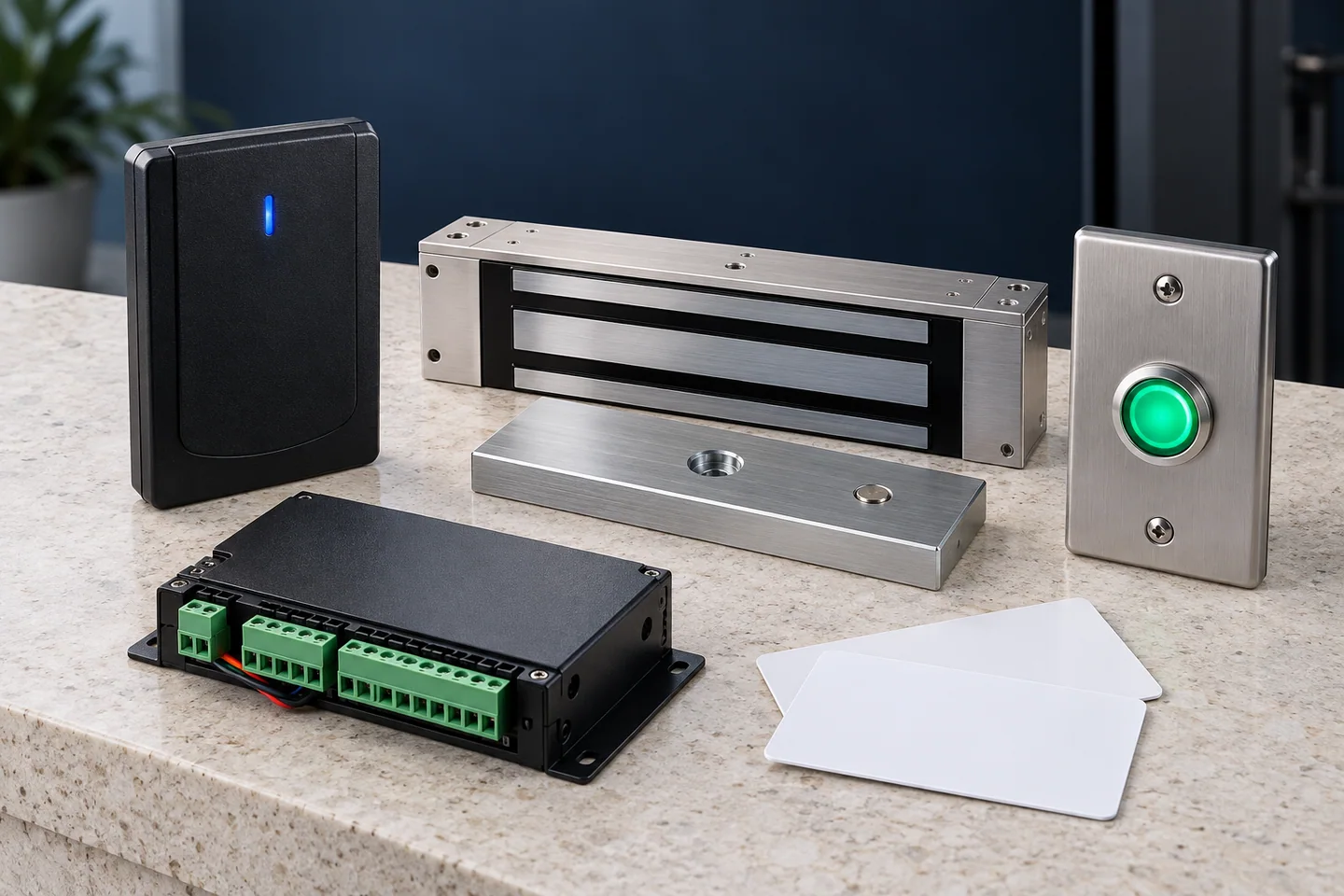
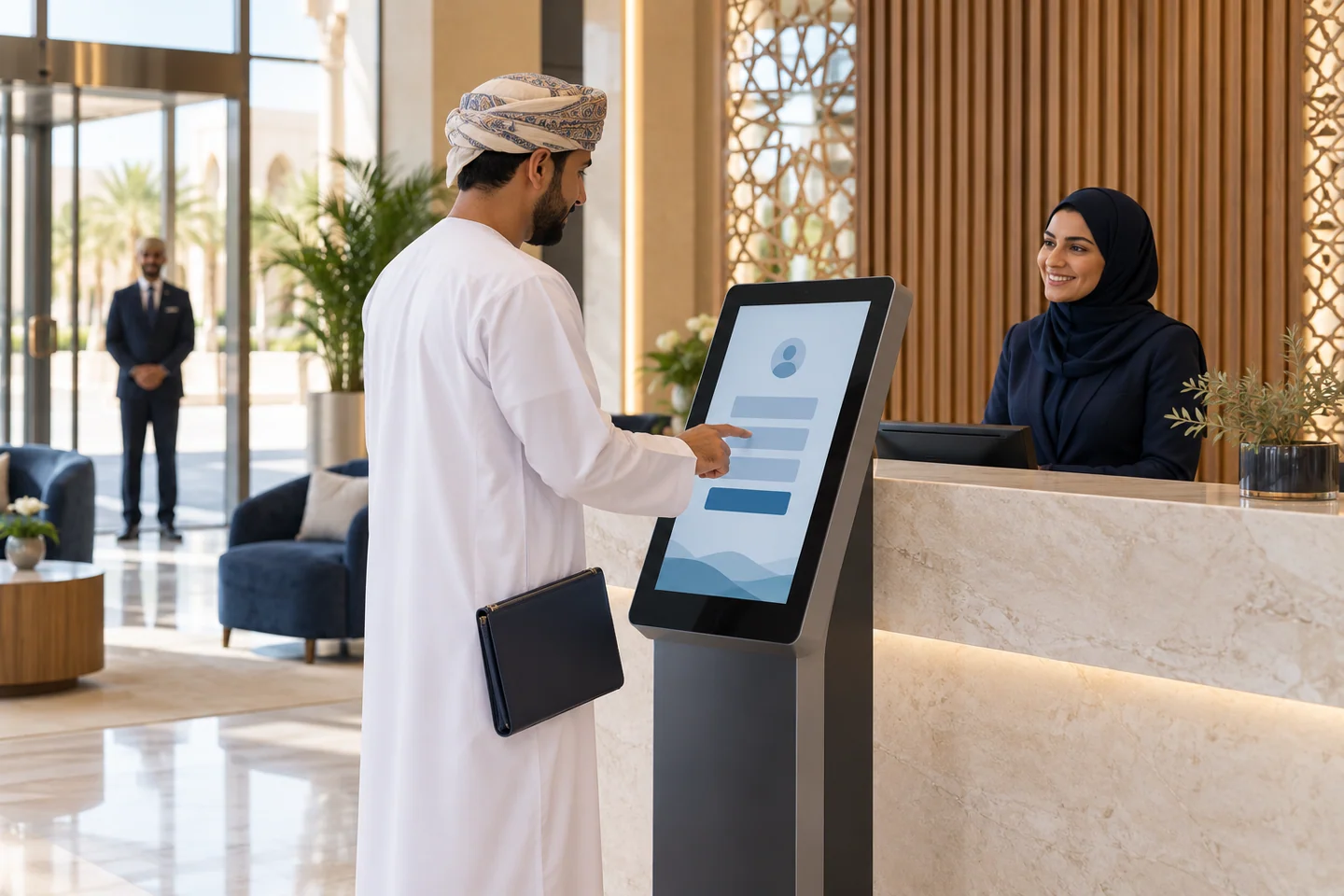
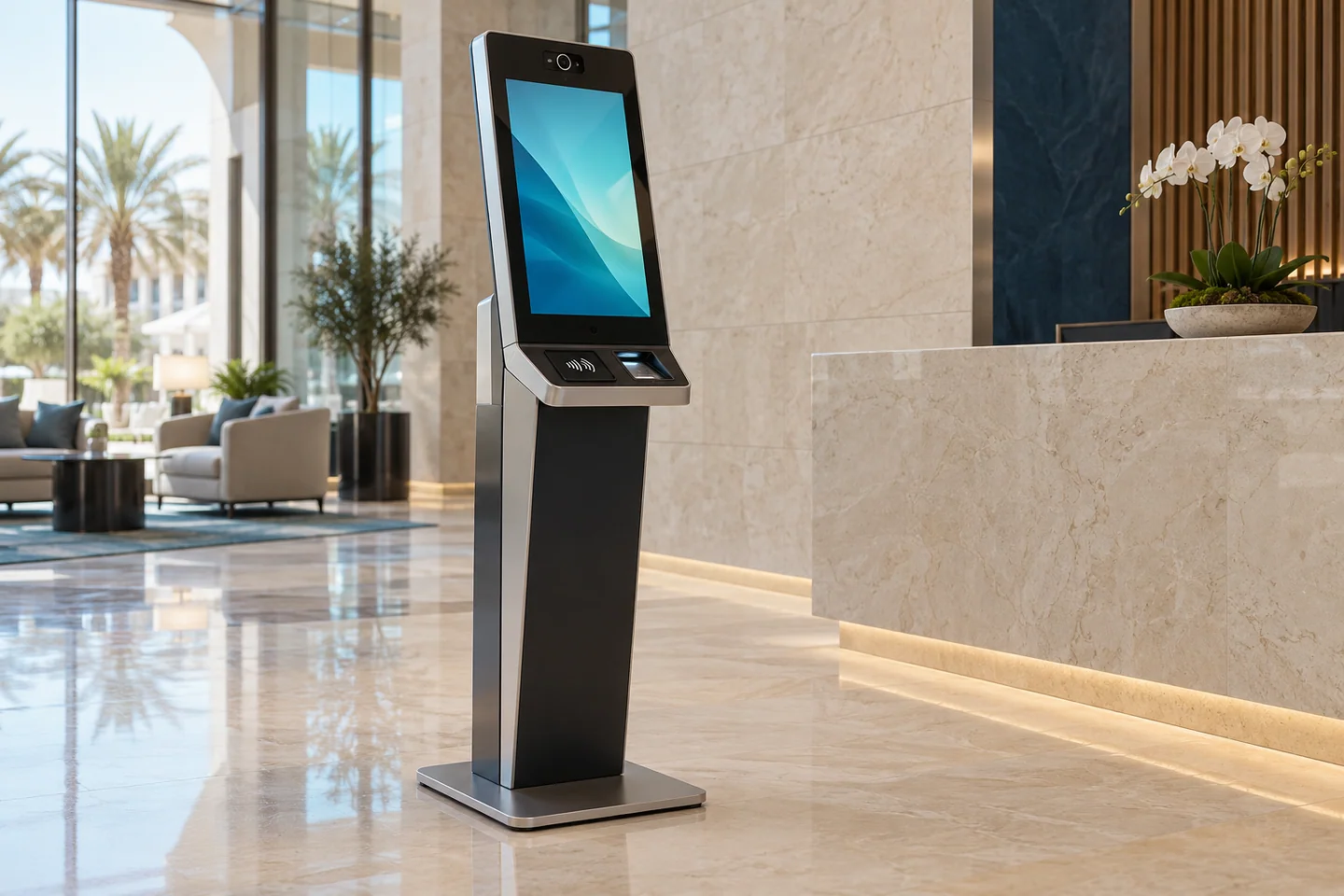
Visitor kiosks provide a self-service starting point for registration and check-in. STARK can source suitable touchscreen, reader and reception components for an agreed visitor management application.
Compatible platforms may support QR invitations, host confirmation, temporary credentials and an optional enrolled face-verification workflow. Camera-based entry counts or occupancy analytics are separate functions and should not be confused with identifying a visitor at the kiosk.
Software compatibility, network access, administrator roles and data retention are reviewed before supply. We confirm the necessary accessories, licenses and configuration so the kiosk fits the reception process rather than becoming an isolated device.
What to consider
- Touchscreen reception and self-service check-in options
- Supported QR or card reader arrangements
- Compatible host approval and temporary credential workflows
- Optional authorized identity verification on suitable systems
- Visitor application, network and accessory compatibility
Selection guidance
- Workflow
- Confirm registration fields, host approval and checkout process
- Credentials
- Verify QR, card and optional face-verification support
- Software
- Check kiosk operating system, application and license requirements
- Data handling
- Agree access permissions, record retention and administration
USEFUL ANSWERS
Common questions
Does a kiosk need a visitor management application?
Yes. The touchscreen and readers must work with a suitable application and the required licenses and interfaces.
Is facial identification required for visitors?
No. QR, card or receptionist-assisted workflows may be appropriate. Face verification is an optional authorized workflow when the selected system supports it.
Can we add a badge printer?
A compatible printer may be included. Driver, application and badge consumable requirements must be checked.